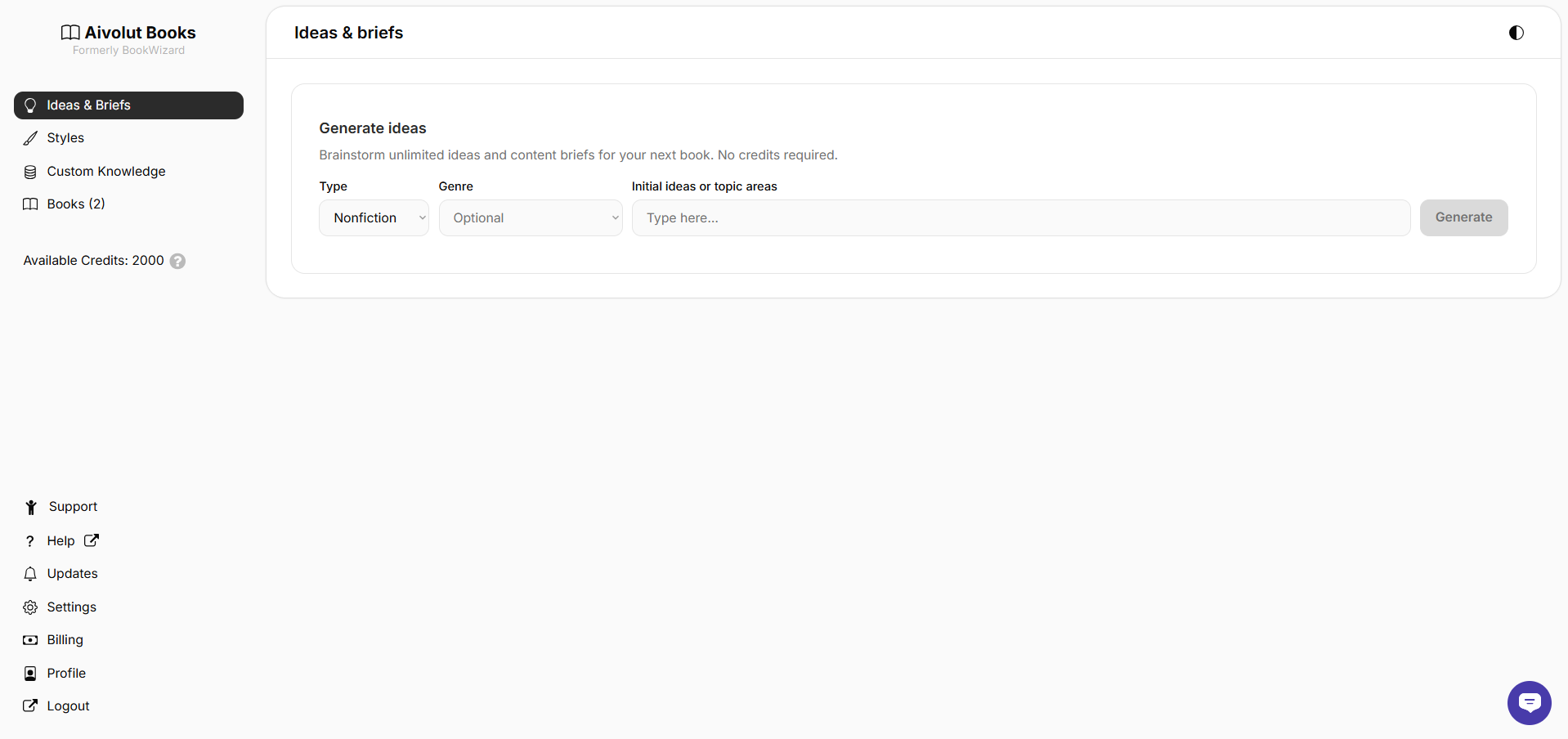
After logging in, you’ll land on your dashboard, the central hub where you can access all key features and content. From here, you can view your Ideas and Briefs, Styles, Custom Knowledge, and the Books you've generated.
Understanding the App Menu
The left menu helps you move quickly between the main sections. Here’s what each section does:
Ideas & Briefs – Create and manage your story ideas and outlines. This is where you set the direction for the book you’ll write with AI assistance.
Styles – Choose or customize the writing style you want the AI to use when generating your book.
Books – View, edit, or continue writing your books. All your AI-generated projects are saved here.
Each section is designed to keep your writing process organized and easy to access.
Profile & Settings
At the bottom of the sidebar, you’ll find Profile & Settings. This section gives you quick access to essential account tools and resources:
Updates – View the latest product improvements, new features, and release notes.
Settings – Set your default author details, author bio, and acknowledgments for your books.
Billing – Check your plan details, view your credits and reset date, or purchase add-on credits.
Profile – Update your personal details and account information.
Logout – Securely sign out of your account.
These options help you manage your account, and stay informed.
Quick Access Buttons
A few helpful buttons are available on the dashboard for quick access and convenience:
Dark Mode – Found at the top right of the screen. Toggle this to switch between light and dark themes based on your preference.

- Chat – Located at the lower right corner. Use this to contact our support team and get help directly within the app.

Still have questions? Contact us for assistance.