Use Styles to fine-tune your AI writing. Decide how you want your book to sound, formal or casual, simple or detailed, all in one place.
Creating a New Style
To create your own writing style:
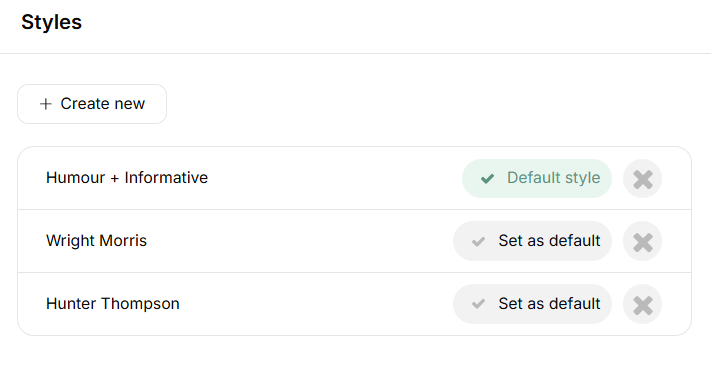
From the app menu, click Styles to open the feature.
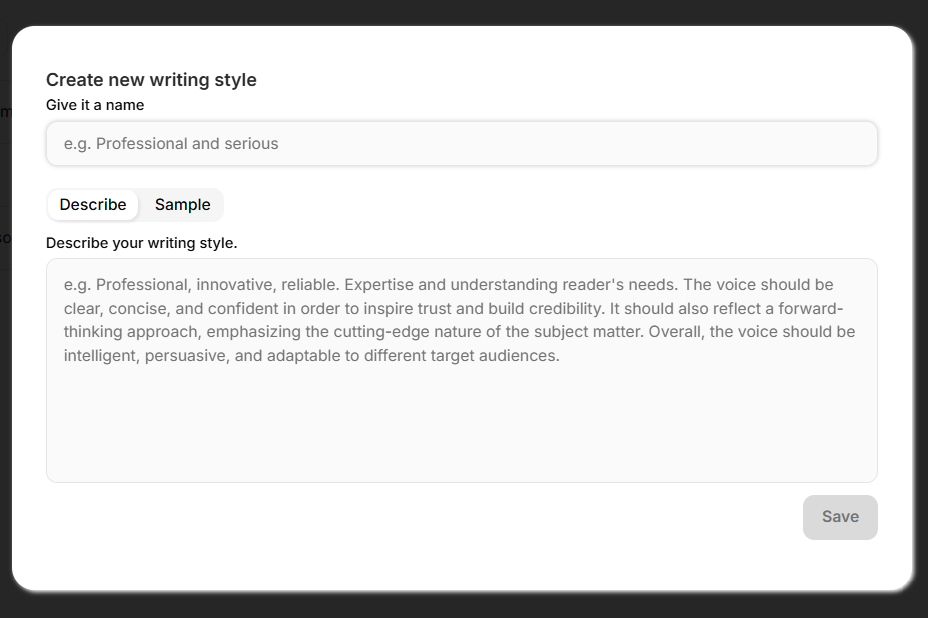
Select Create New to start a new style.
Enter a title for your style.
You can either describe your writing style or paste a sample of your written content.
Once done, click Save to store your style and use it for future writing.
TIP: Lock in your signature voice by setting a default style that applies to all your future books.
Still have questions? Contact us for assistance.