Yes, you can edit the book after it is generated.
What You Can Edit
- Chapter titles
- The chapter body (the text inside each chapter)
How to Edit Your Book
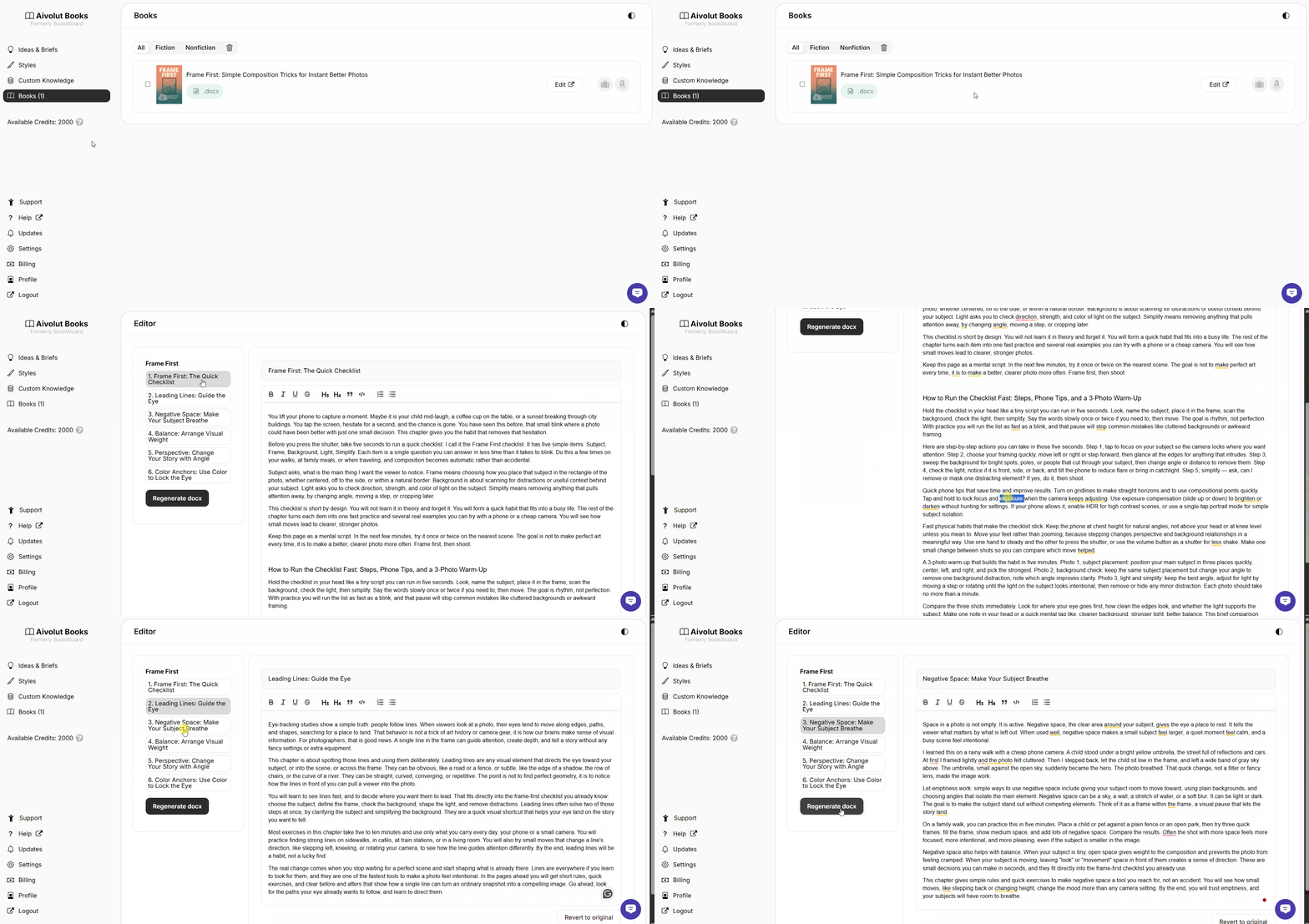
- Go to the Books page.
- Look for the book you want to edit.
- On the right side, click the Edit button.
- A new window will open where you can do the changes.
- When you are done, click Regenerate docx to save your edits.
Still have questions? Contact us for assistance.