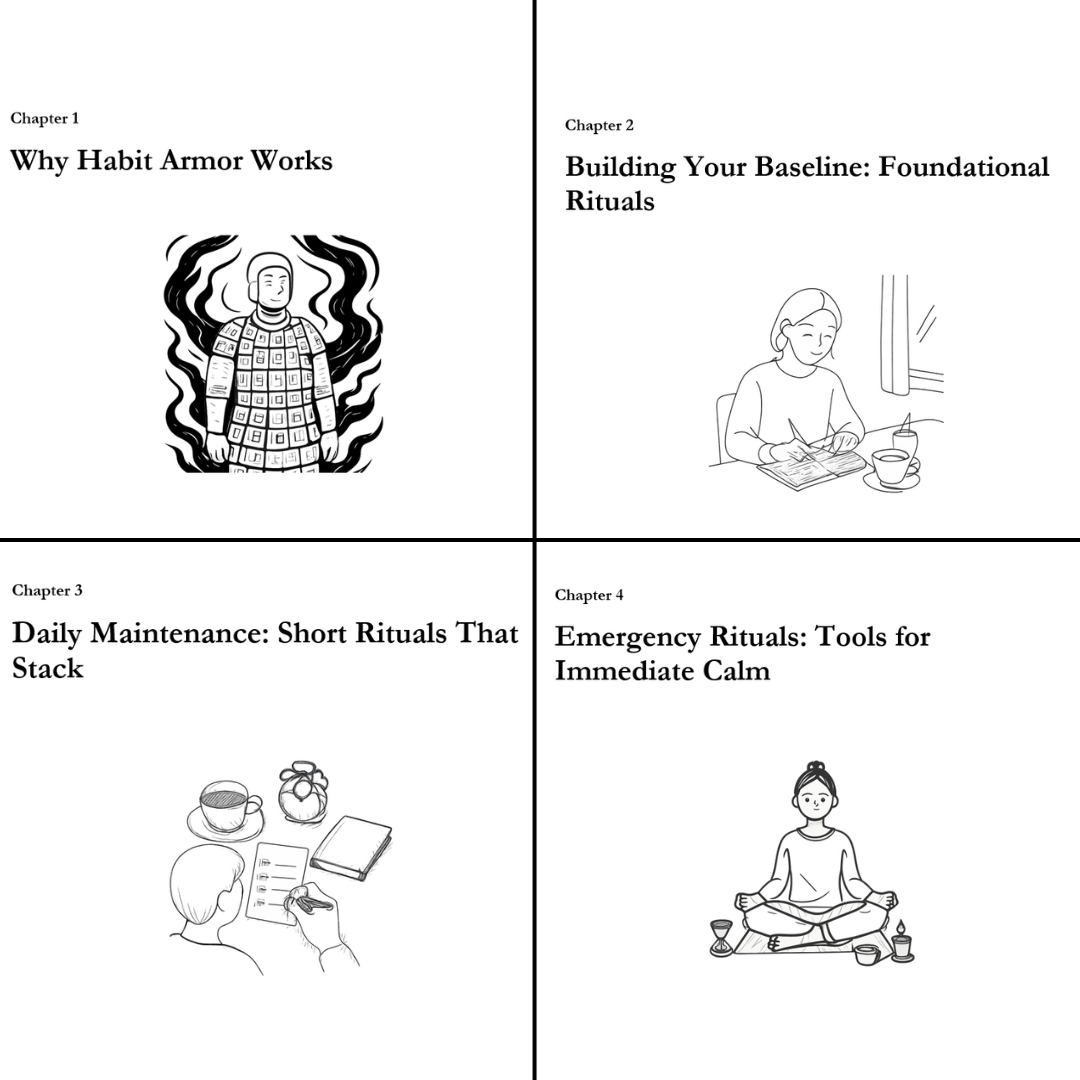
Each chapter can include its own illustration. You can choose to place these at the start or at the end of each chapter, whichever fits your style best.
See the examples below:
You can access and customize the Illustrations feature in the Advanced Options of the Generated Brief.
You have two ways to add illustrations to your book: before or after the book is generated.
Option 1: Add Illustrations Before Generating the Book
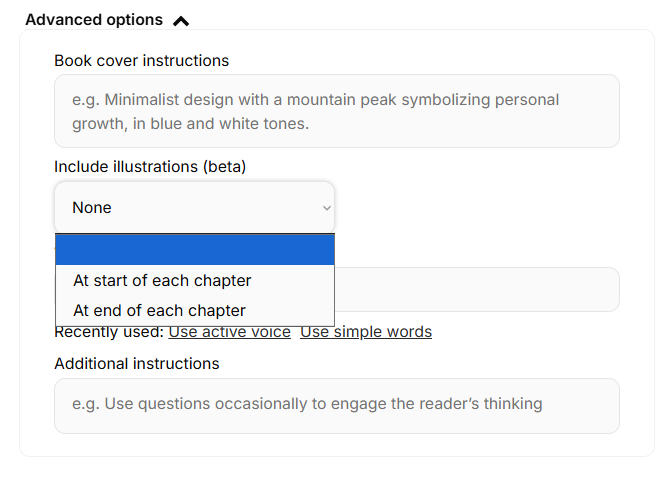
Before generating your book, go to Advanced Options and enable illustrations. Make sure to select Include Illustrations > At the start/end of each chapter.
Option 2: Add Illustrations After the Book Is Generated
If your book is already generated, you can still add illustrations. Go to Books, select your book, and click More Options (three vertical dots), Generate Illustrations.

Still have questions? Contact us for assistance.